
Clauding from anywhere
At my old university (NTNU) we had our own irc server on freenode. I hung out there to talk to all the smart people, and also to share cool news and tools. But I was sometimes met by my dreaded arch nemesis, the default comment when someone had already seen what I was sharing:
old -.-
My ‘old’ sensors are flashing as I write this post because the tools are indeed old, but I still think (or hope) it is informative for a good amount of people.
Anyway; I have been clawing at AI in many forms in my homelab for a while without ever being any type of expert. It’s been usefulish, so I’ve used it ish. Like for object detection or bird song recognition. For me this changed drastically when I started using Claude. And specifically what I mean when I say Claude is the Claude code command interface, with the Anthropic Sonnet and Opus models. I’m going to gloss over what I’m using it for right now, and instead focus on how I’m keeping my conversations going while on the run. Because my Claude lives at home, in the basement, in my homelab. But I have to move around.
Initially I spun up the Claude code terminal app whenever I needed to do something, but this became limiting quite quickly.
The Githubification
For the rest of my homelab I’m using Github, so naturally I setup the native Claude github integration so I could use Claude while not at my laptop. I quickly disabled the default Github Action that the Claude integration installs, because I don’t need Claude to review my Pull Requests. Instead I wrote my own action that took any Github Issue (or Pull Request) with a Claude tag on it, and had Claude reply, review or implement the Issue. This works well for many things. One major drawback is that the model’s context is limited to whatever is in the Issue at hand, and the interaction is asynchronous. I still use this approach for long running issues or research issues where I continuously update or have Claude update the ticket by adding new comments. But I wanted something like the Claude Code, but accessible from anywhere.
The work laptop
My laptop at work isn’t mine, it belongs to the company I work for, and I keep a strict separation there even when working from home. But sometimes, it would be nice to securely open a tunnel home to fix something, like a short chat with Claude just have it set up a new service. As I’ve talked about earlier I have my own setup to access my home services securely from wherever I am. But for that to work I would have to have a Wireguard config (VPN config), and an ssh keypair available (Keys to connect home using ssh). I don’t want to keep those on my work laptop, and I don’t want to install or configure anything there for home use. So I encrypted these items, threw them onto a tiny usb drive along with a Dockerfile that installs ssh and Wireguard, and finally I added a bash script to throw it all together. So now I can plug that into my work laptop, execute the included script, enter my decryption password and it automatically uses ssh to connect home through the Wireguard tunnel. All of this then is happening within a docker container. Plug usb in -> Talk to Claude at home.
To make this approach more useful though I started running Claude Code in a Tmux session so I could keep going exactly where I left off earlier. (Tmux basically keeps my claude conversations running even when I close the connection to my home, you could use ‘Screen’ instead)
The script now automatically attaches to the running tmux session, but still this required me to always have a laptop available for interactive work, and that’s not always the case.
The mobile stage
Prompt is an iOS ssh client I have kept around for those times I needed to connect home and run a command or two in an emergency. Since I already have Wireguard on my phone, the Prompt app allows me to ssh home and continue where I left off in my conversation with Claude Code. Keep in mind, this is functionality I have had for a decade, but it has always been just barely useful for very specific fixes. Because running VI (or nvim) through ssh on a phone app isn’t great. Starting (or continuing) a conversation with a Claude however works really well, because all I need is to write instructions, read its suggestions and choose yes or no.
The gist of it
Basically I walk around with my phone in my pocket, and when an idea hits I open a Github issue and ask Claude to research how to proceed. From a laptop or my phone I continue the conversation interactively in a Claude session and tell Claude to fetch the background information from the Github Issue.
I basically have two tiers of interaction here depending on where I am in the process. This might almost sound trivial, so let me give you two examples to illustrate the value I get from all of this.
The assistant
I run a set of Minecraft servers for the family. It’s quite simple, you log in to the one that is public (the lobby), and it lets you teleport to any of the other servers. One is in Creative mode, one is in Survival mode and a couple are specifically themed. Like one is a parkour server.
One day I get a distressed message from my kid while I’m at work because they were playing Minecraft, and were attacked by a creeper (an enemy that explodes). The creeper exploded right next to their sibling’s house, destroying much of the house in the process. The owner of the house was still in school, so this was a major catastrophe that could potentially be salvaged. I hopped on Claude Code remotely, who looked at my Minecraft Kubernetes deployment and determined that I have an anti griefing plugin installed. (I’ve allowed Claude to use most of the commands needed to read the state of my cluster and the configuration here. It only needed my approval to attach to the server and execute the anti griefing commands) This allowed us to roll back the changes that happened around the area where the kid was attacked. Problem solved, and house restored. It took less than 1 minute.
I knew this was possible because I had done something similar before, but there are so many tedious steps to fixing this that doing it remotely would not have worked. And even if I was at home, just getting to my laptop, looking up the documentation, logging into the server and making the change, pretty huge effort.
The Pebble
Around 12 years ago I found a really cool smartwatch, The Pebble.
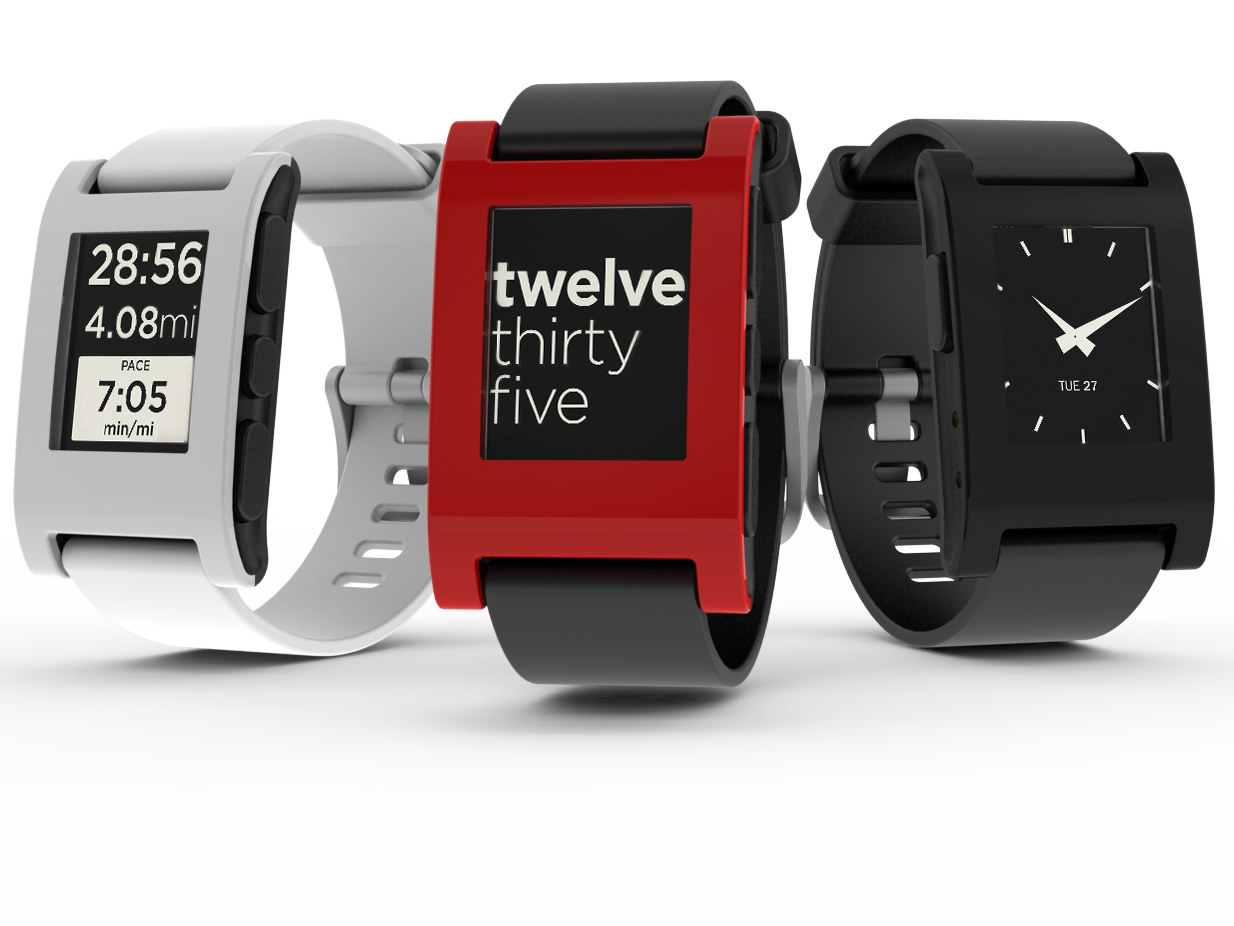 This thing was open so I could write my own watchface for it in C.
My watchface wasn’t anything amazing, just a Norwegian version of a watchface that showed
the time using natural language. So “05:05” became “5 past 5”. After a few
nights hacking away at the code, it worked and I uploaded it to this pebble
‘appstore’. It had only a handful of users but to me this was an amazing thing.
And with ‘all these users’ entrusting me with telling them what time it was,
I had no choice when the version 2 of the SDK dropped. I had to upgrade at once!
This did take some time though, days in fact. But eventually I got there, and
all was well.
Not long after this pebble got bought by Fitbit, and eventually died (or so I thought) when Google bought Fitbit.
This thing was open so I could write my own watchface for it in C.
My watchface wasn’t anything amazing, just a Norwegian version of a watchface that showed
the time using natural language. So “05:05” became “5 past 5”. After a few
nights hacking away at the code, it worked and I uploaded it to this pebble
‘appstore’. It had only a handful of users but to me this was an amazing thing.
And with ‘all these users’ entrusting me with telling them what time it was,
I had no choice when the version 2 of the SDK dropped. I had to upgrade at once!
This did take some time though, days in fact. But eventually I got there, and
all was well.
Not long after this pebble got bought by Fitbit, and eventually died (or so I thought) when Google bought Fitbit.
But about a year ago I was able to pre-order this little beauty from
repebble.com
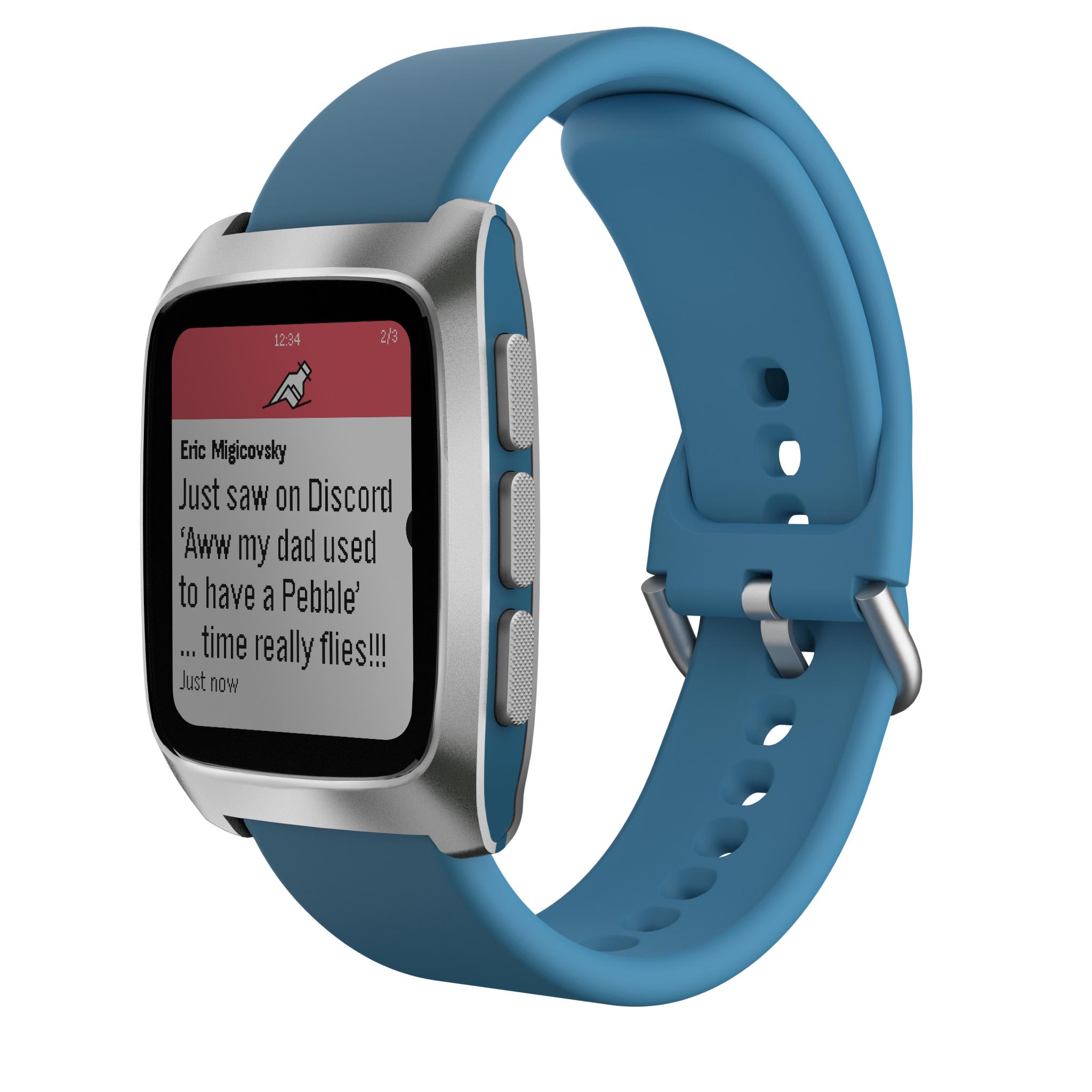
It still hasn’t arrived yet as it’s set to ship in March, but this memory popped into my head as I was heading for the airport after doing a workshop with some colleagues in France. I pull out my phone, instruct Claude to check out my old watchface repo from Github, set up my usual safety hooks and start hacking away to get us up to the latest SDK version in preparation for my new watch to arrive. We did a pitstop in Amsterdam before getting back to Oslo and so by having maybe 10 short 1-2 minute interactions with Claude over a 5 hour period I was able to modernize the CI/CD setup of my repo, upgrade it to the latest SDK version, add a better CI pipeline which creates screenshots of the watchfaces along with the binary itself and uploads it to Github as an artifact. For good measure we also added a custom font to better render Nordic accents like ‘æøå’ and support for localization with Norwegian, Swedish and Danish as the first supported languages. Comparing the days of dedicated work to upgrade the SDK to this few minutes while flying across Europe is what illustrates the biggest power here to me. It’s the increased freedom, it’s still my brain that is guiding what is happening, but I don’t have to dedicate my time to the work. I don’t have to press the keys at break neck speeds on my split mechanical keyboard. I can just Claude from anywhere, and to me that is such a huge enabler.